AccellsoftBack to work

PostgresGUI: building the product and its growth system

A native Mac app, practical PostgreSQL tools, technical content, and search designed as one connected product.

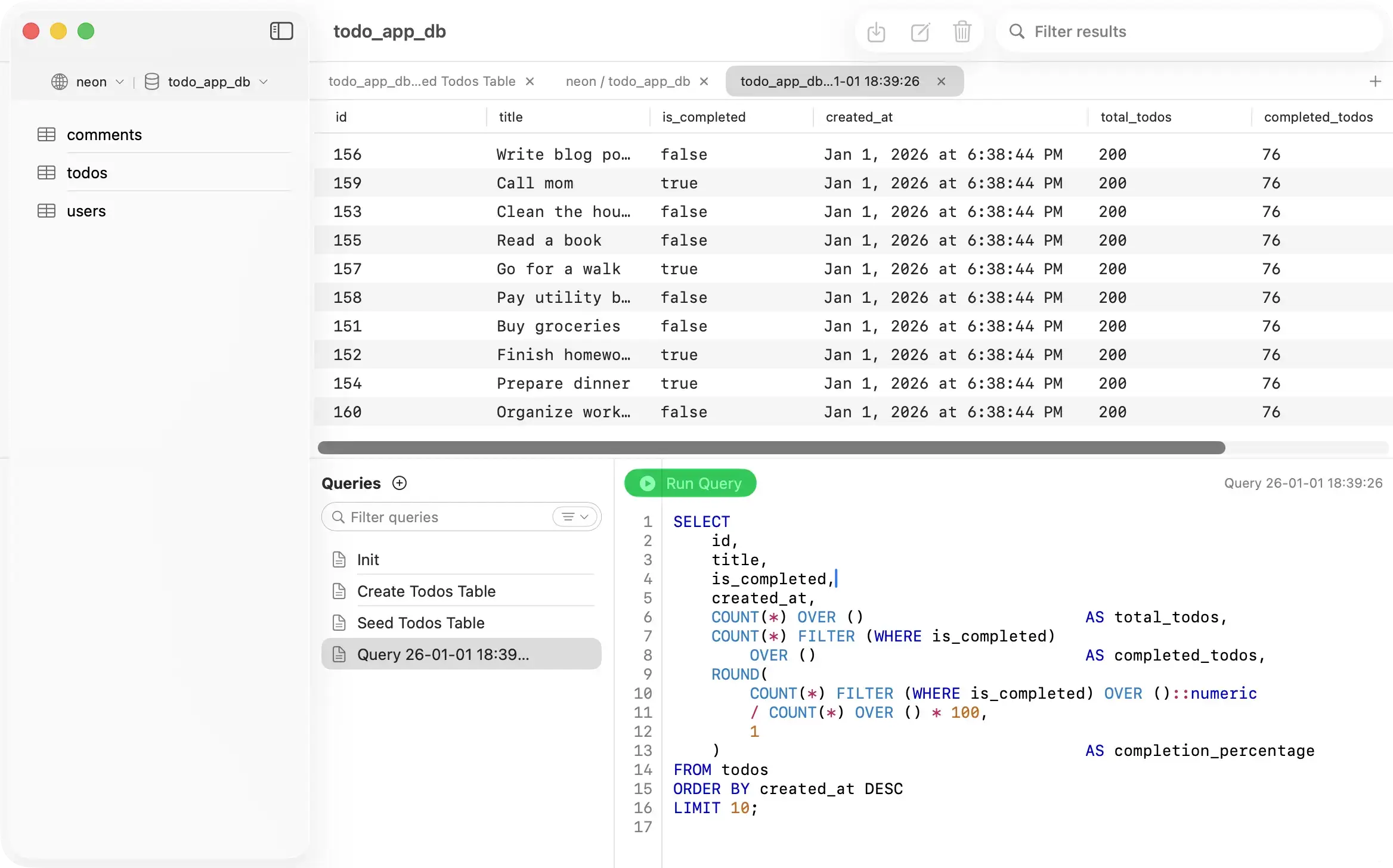
PostgresGUI showing tables, a SQL query, and query results
The core product: a native PostgreSQL client for everyday Mac workflows.

PostgresGUI is a native PostgreSQL client for Mac. It lets a developer browse tables, run SQL, edit rows, and export results without a subscription.

It is also an Accellsoft product. That gave us responsibility for more than the app. We had to decide how someone would discover it, understand it, compare it, and get help after installing it.

The product had to earn the marketing

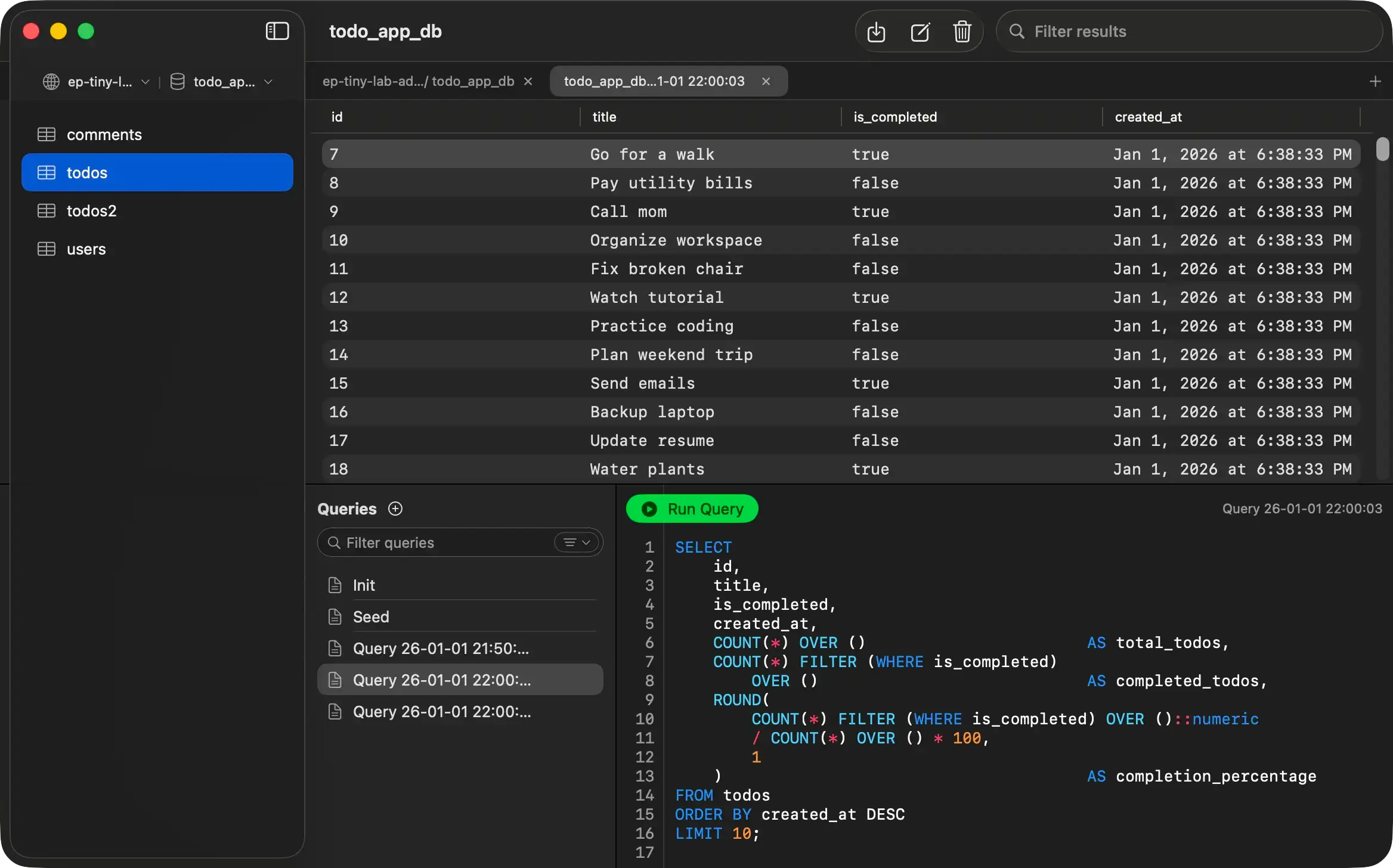
PostgreSQL clients are not a vague category. Developers know the jobs they need done and notice quickly when a product page avoids specifics. We centered the site on real workflows: connecting by URL or SSH, browsing schemas, running queries, editing data, and moving between light and dark environments.
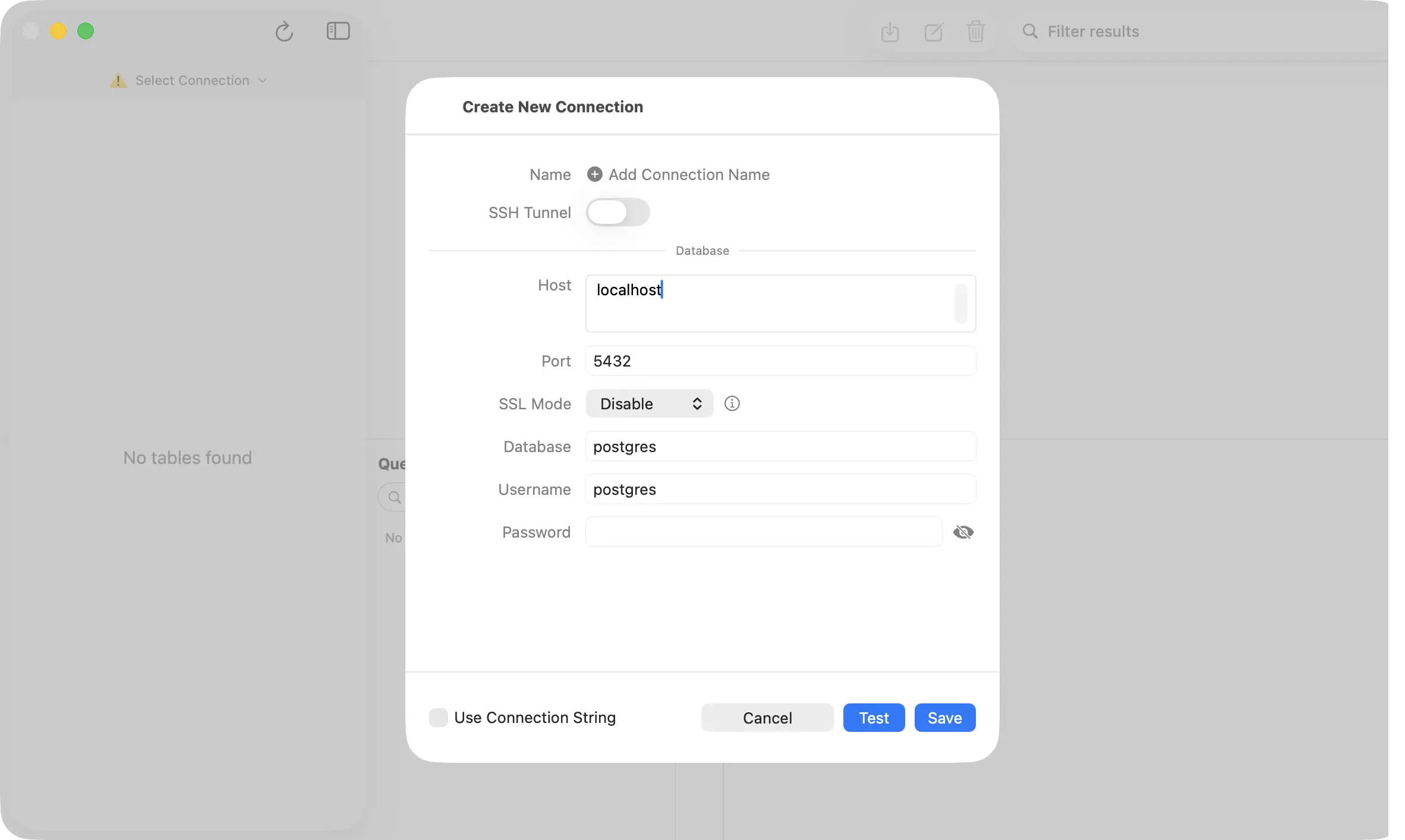
PostgresGUI connection form with SSH tunnel settings
Connection setup, including SSH tunneling.
PostgresGUI running in dark mode with a table and SQL editor
The native app in dark mode.

The message followed the product: native Swift, open source, no telemetry, and a one-time App Store purchase. Those facts are more useful than a long list of adjectives.

One search intent, one useful page

Early SEO work exposed a common problem. Several pages could answer the same broad query, while narrower questions had no strong answer at all. We assigned jobs to pages instead of asking every page to rank for every PostgreSQL client term.

  • The homepage owns the broad Postgres GUI and Mac client story.
  • Product pillars explain specific workflows and alternatives.
  • Technical guides solve setup, security, and performance problems.
  • Free tools handle tasks that are better done than explained.

Our earlier Search Console review showed why this matters. Mac-focused terms were already near the top of page one, while broader queries remained around page two. The full numbers and diagnostic method are in our article on what a falling SEO average position can hide.

Free tools became working examples

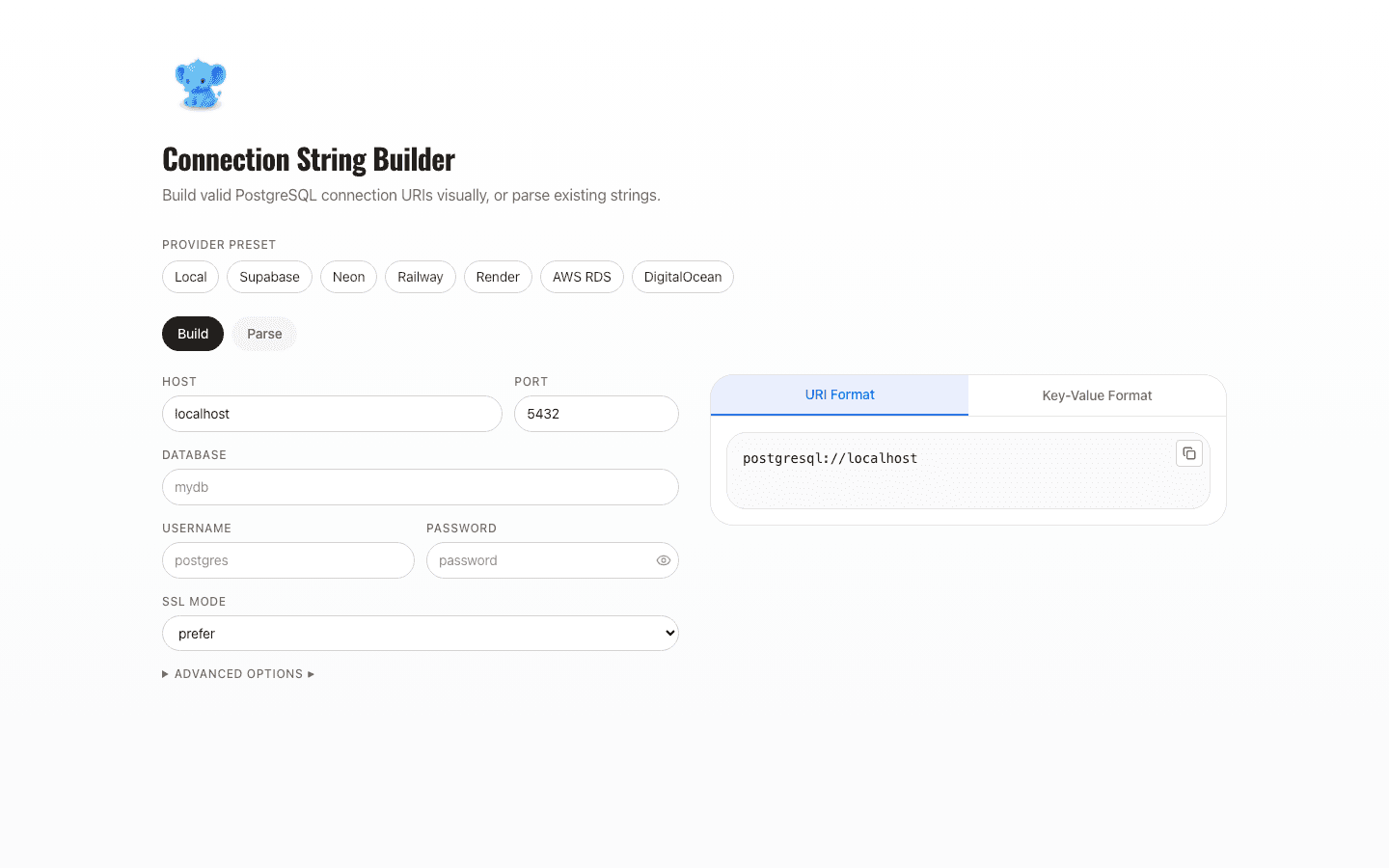
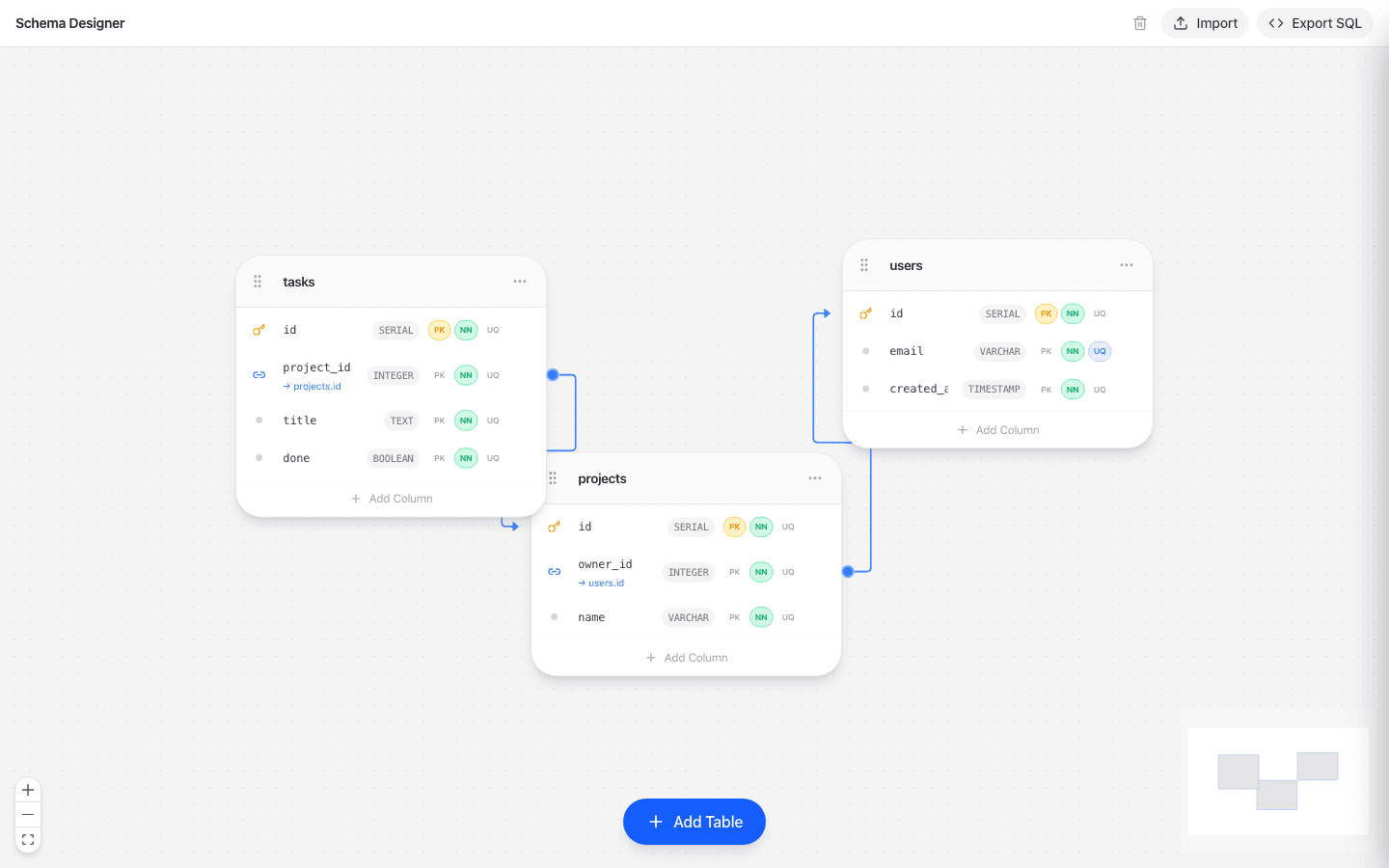
Some searches do not need another article. A developer looking for a SQL editor, schema sketch, or connection URL helper usually wants to complete a task. We built those tasks into the site and linked them to the relevant guides.
Search connected the library

The site now has product pages, comparison pages, reference material, tools, and dozens of guides. Header navigation cannot expose all of that without becoming a directory.

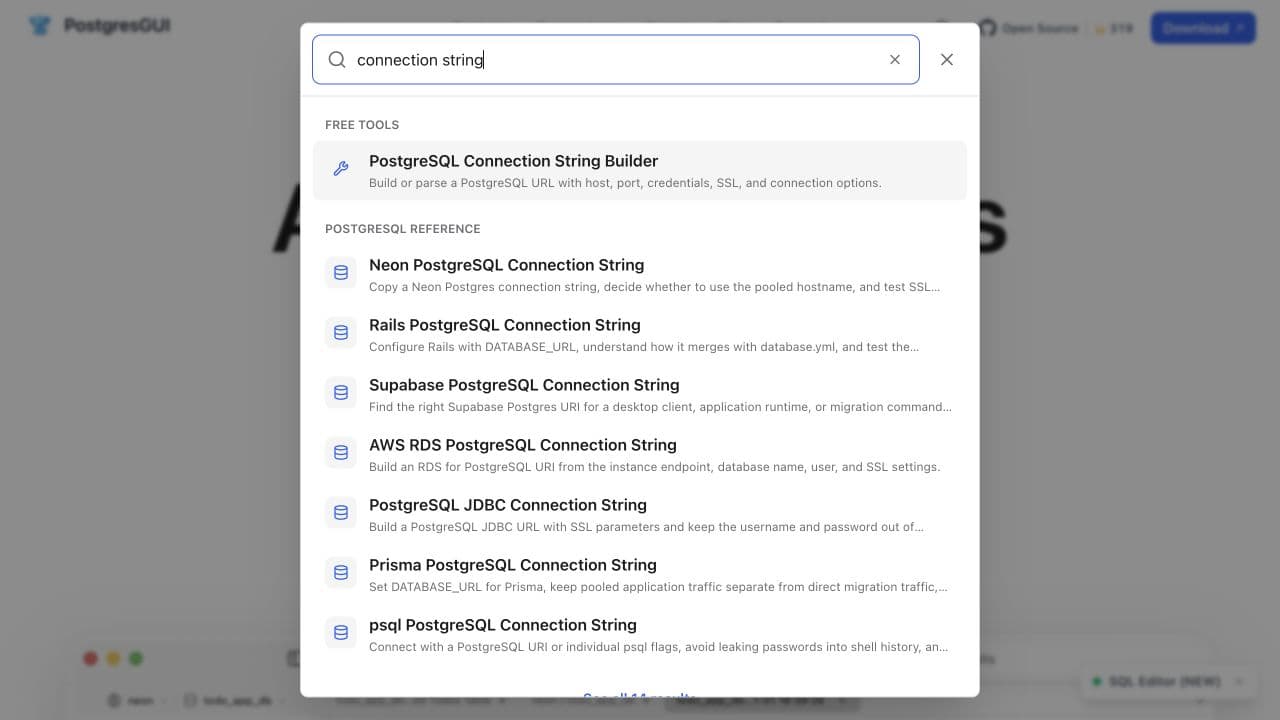
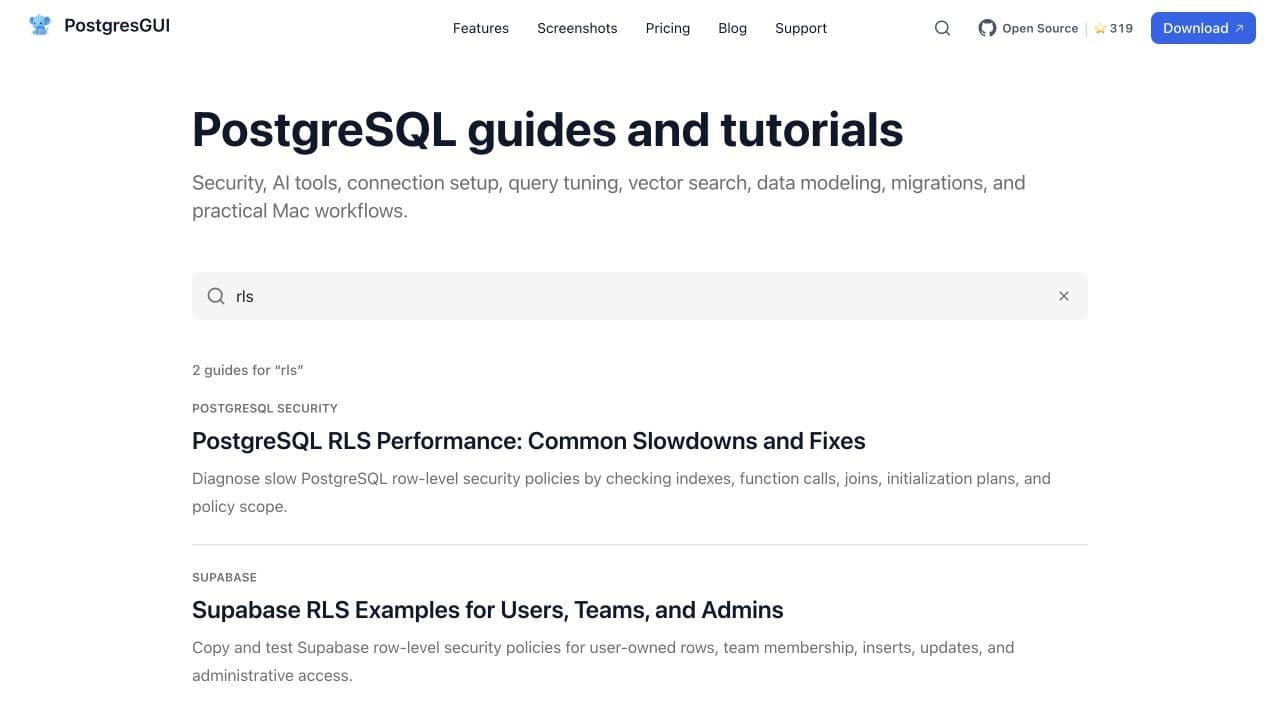
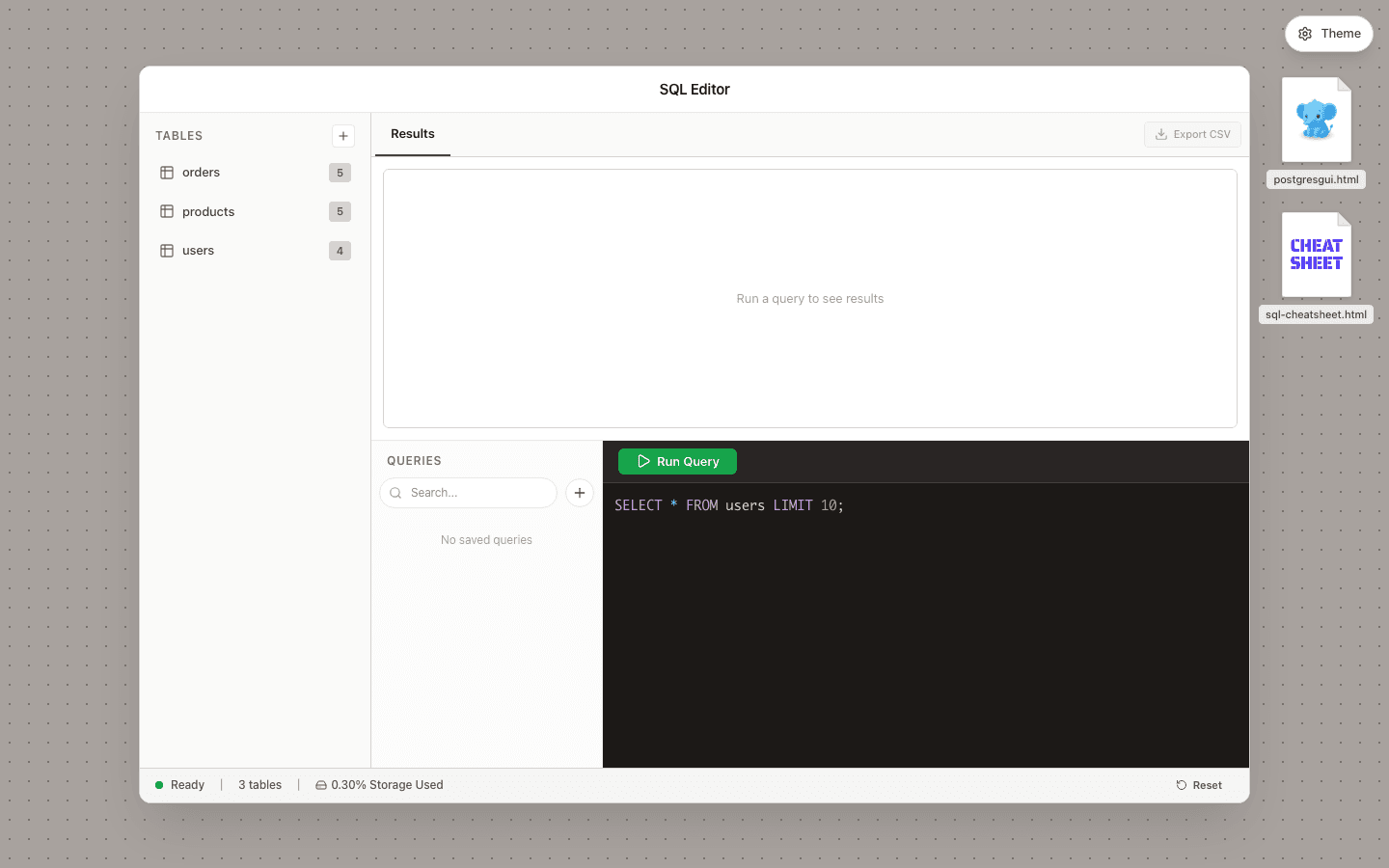
We added a fast site-wide search dialog, a dedicated results page, and a smaller search scoped to the blog. Results are grouped by type so a free tool does not look like a tutorial. The same index powers all three views.

PostgresGUI site-wide search results for connection string
The search dialog groups a tool and related connection guides.
PostgresGUI blog search results for RLS
Blog search keeps readers inside the narrower guide library.

We kept the implementation intentionally small. The index ships as structured metadata, loads only when needed, and uses deterministic client-side ranking. That is enough for the current library and avoids adding a hosted search dependency too early. The engineering details are in our Next.js site-wide search write-up.

What shipped, and what has not been claimed

We can verify the work now. We cannot honestly assign future ranking gains to it yet. Search engines need time to crawl new pages and the useful comparison window is at least 28 days.

113static routes in the production build
14new technical guides in the latest content batch
11automated search checks

The production build generated 113 static routes. The latest content batch added 14 technical guides. Search behavior is covered by 11 automated checks, including ranking, filtering, result limits, and empty queries. We also checked keyboard interaction and mobile layouts.

The next review is about outcomes

After the new pages have had time to settle, we will compare non-branded impressions, clicks, query ownership, and landing-page performance against the earlier Search Console baseline. That will decide what gets expanded, merged, or left alone.

The larger lesson is simple: the app, its documentation, its tools, and its acquisition pages should answer the same users. Building them together makes each decision easier to explain and easier to measure.

We build the product and the path people take to find it.

Talk to Accellsoft